The Smarter Way to Manage Team Cards and Drive Growth

Create, roll out, and manage employee digital business cards across teams, departments and locations while keeping every profile on-brand, accurate, secure, and connected to your business workflows.

  • On-brand cards for every team
  • Centralized rollout and updates
  • Bulk creation and directory integration
  • Lead capture and CRM synchronization
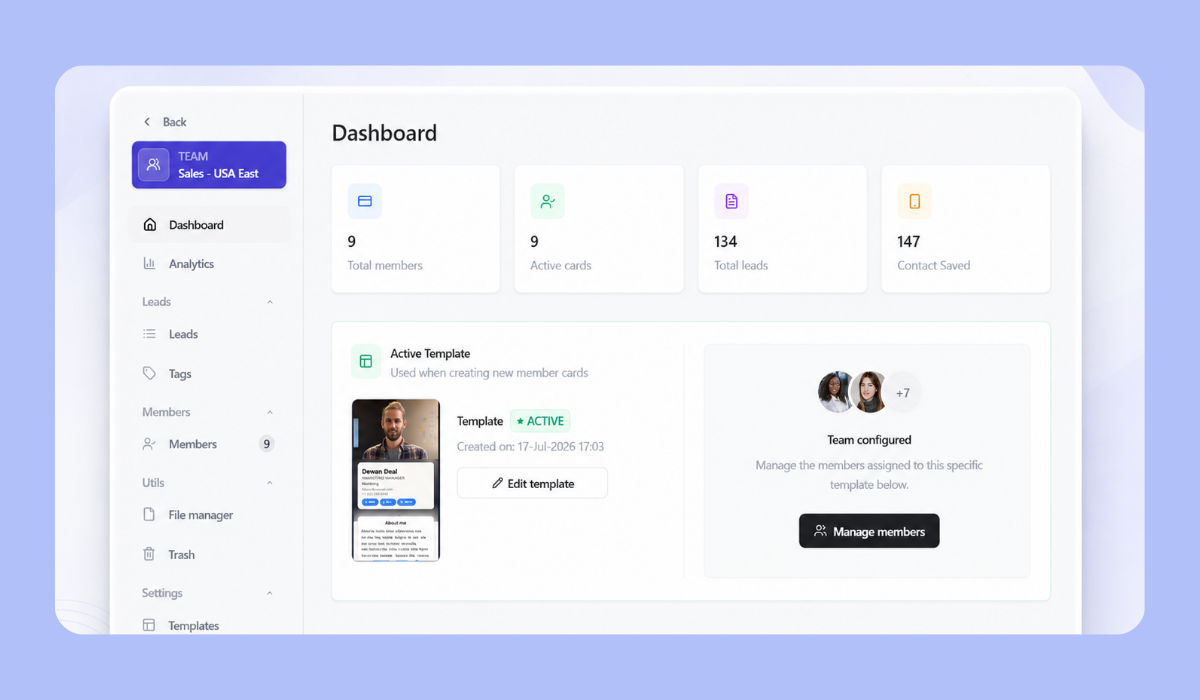
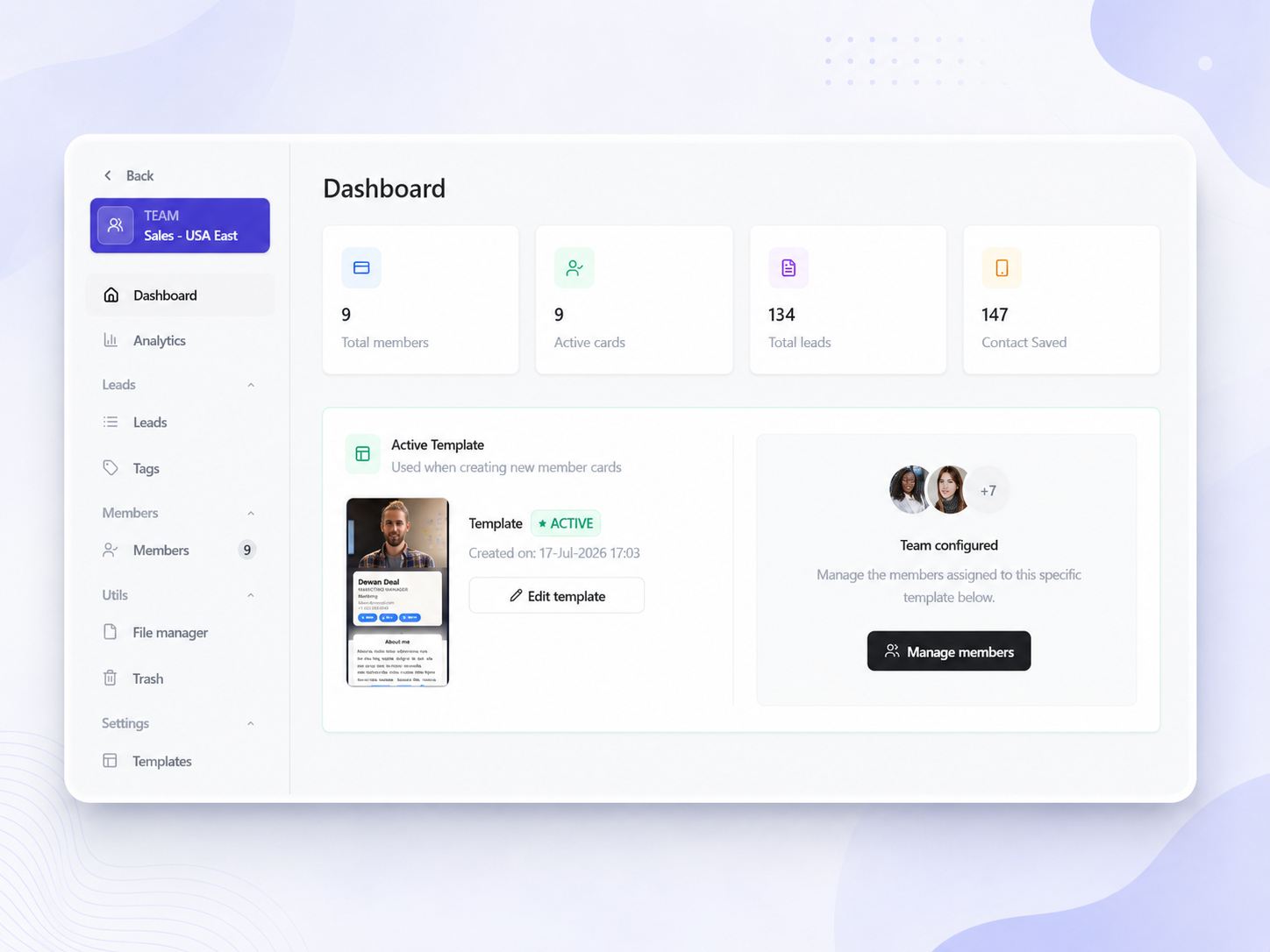
Team management dashboard for Digital Business Card PRO Teams

Everything you need to roll out and manage cards at scale

Give employees a professional way to connect while your organization controls branding, access, information, lead data, and ongoing updates.

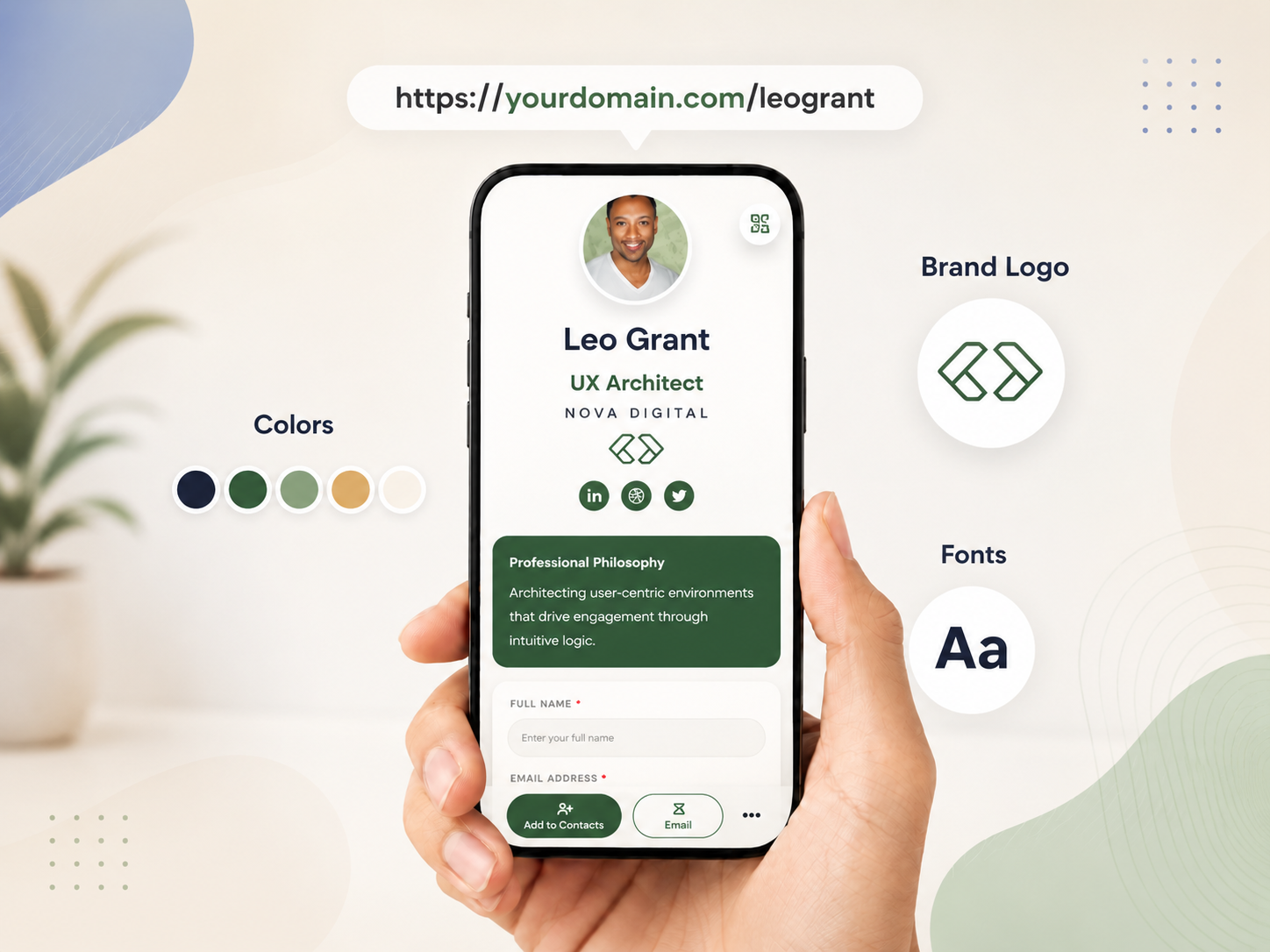
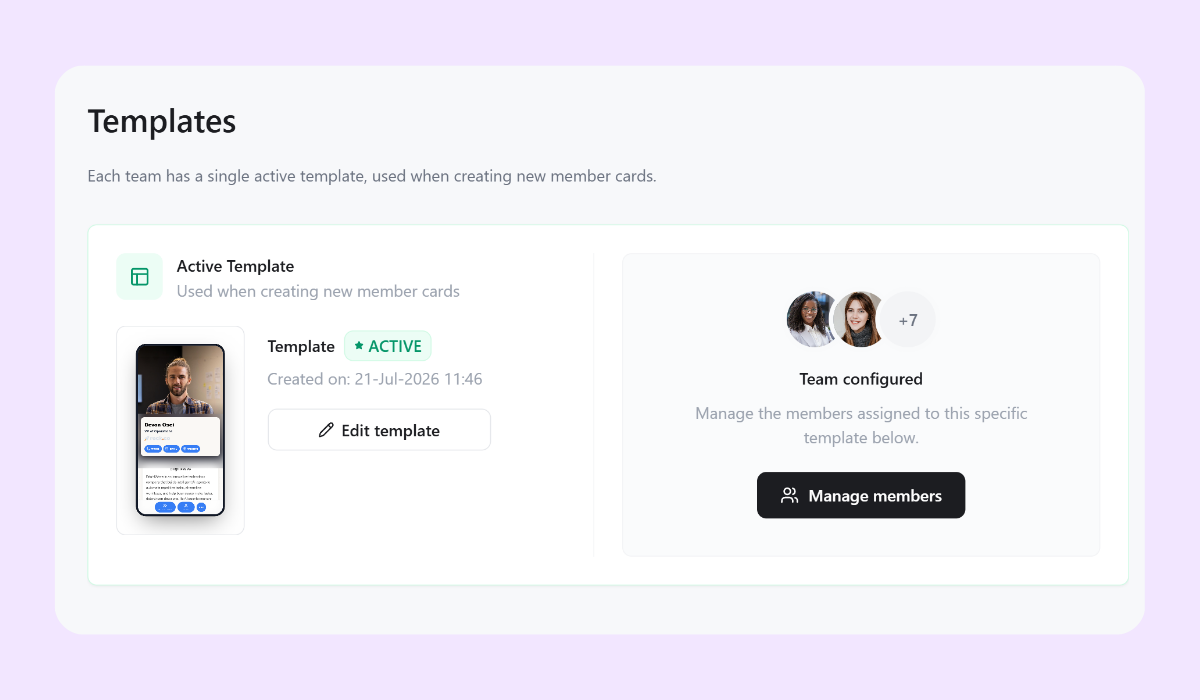
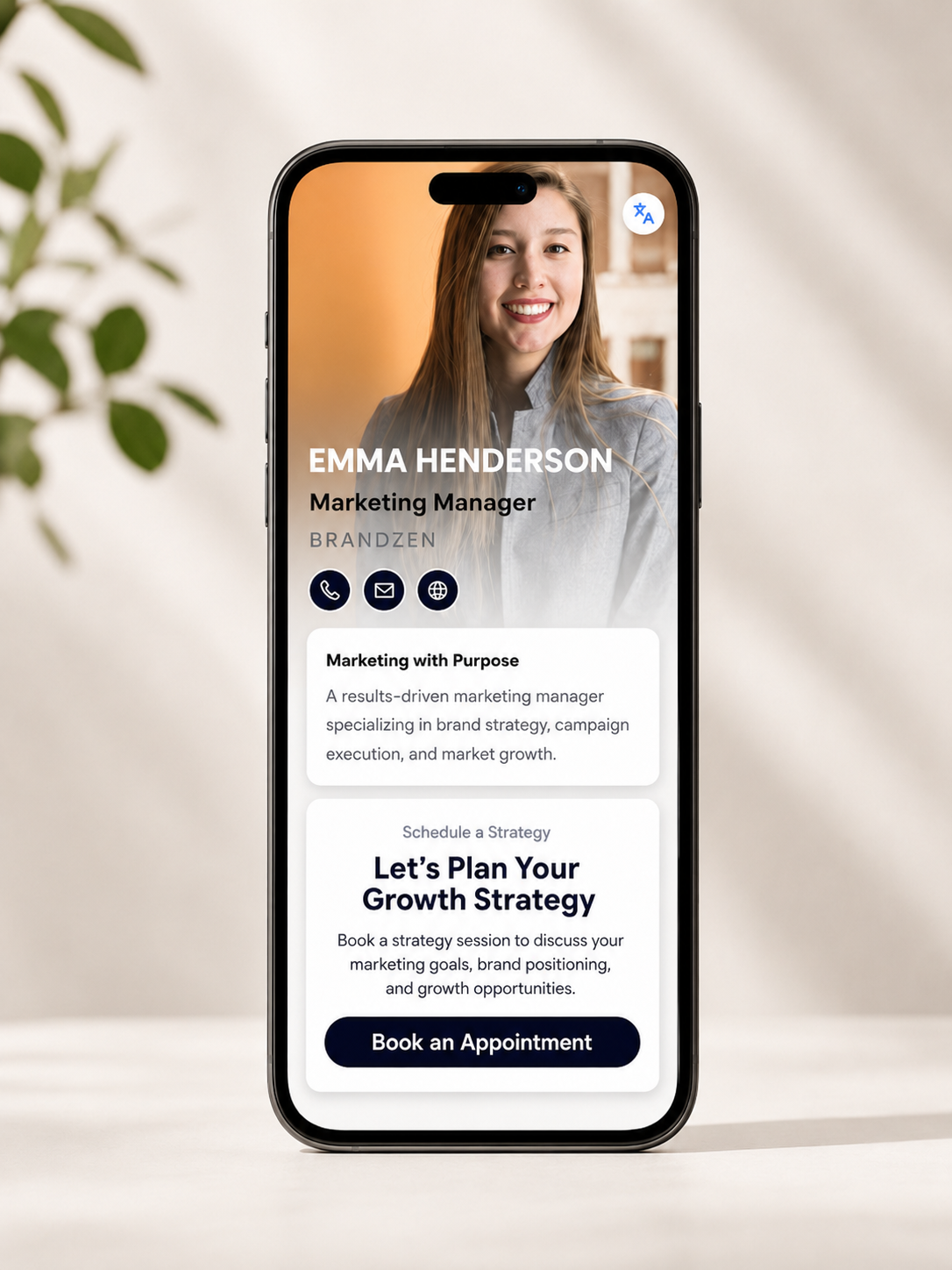
On-brand templates for every team

Create dedicated templates for different departments while maintaining one consistent company identity.

  • Centralized templates for teams, departments, roles, and locations
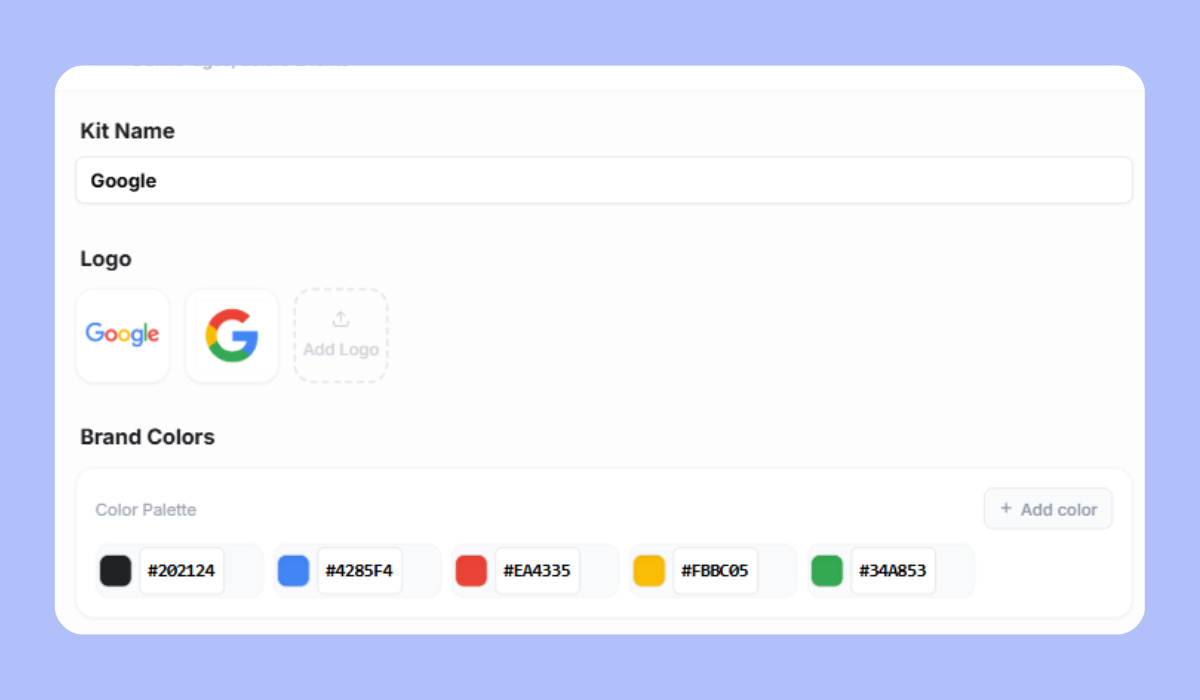
  • Locked logos, colors, fonts, layouts, and company links
  • Controlled editing for employee-specific information
  • Consistent brand presentation across every card

Roll out once. Update centrally.

Launch cards across your organization and continue managing them from one central workspace.

  • Central card rollout for employees, teams, offices, or the entire organization
  • Bulk updates to company details, links, branding, and campaign content
  • Quick profile changes for new hires, promotions, transfers, and departures
  • Reduced manual follow-up with individual employees

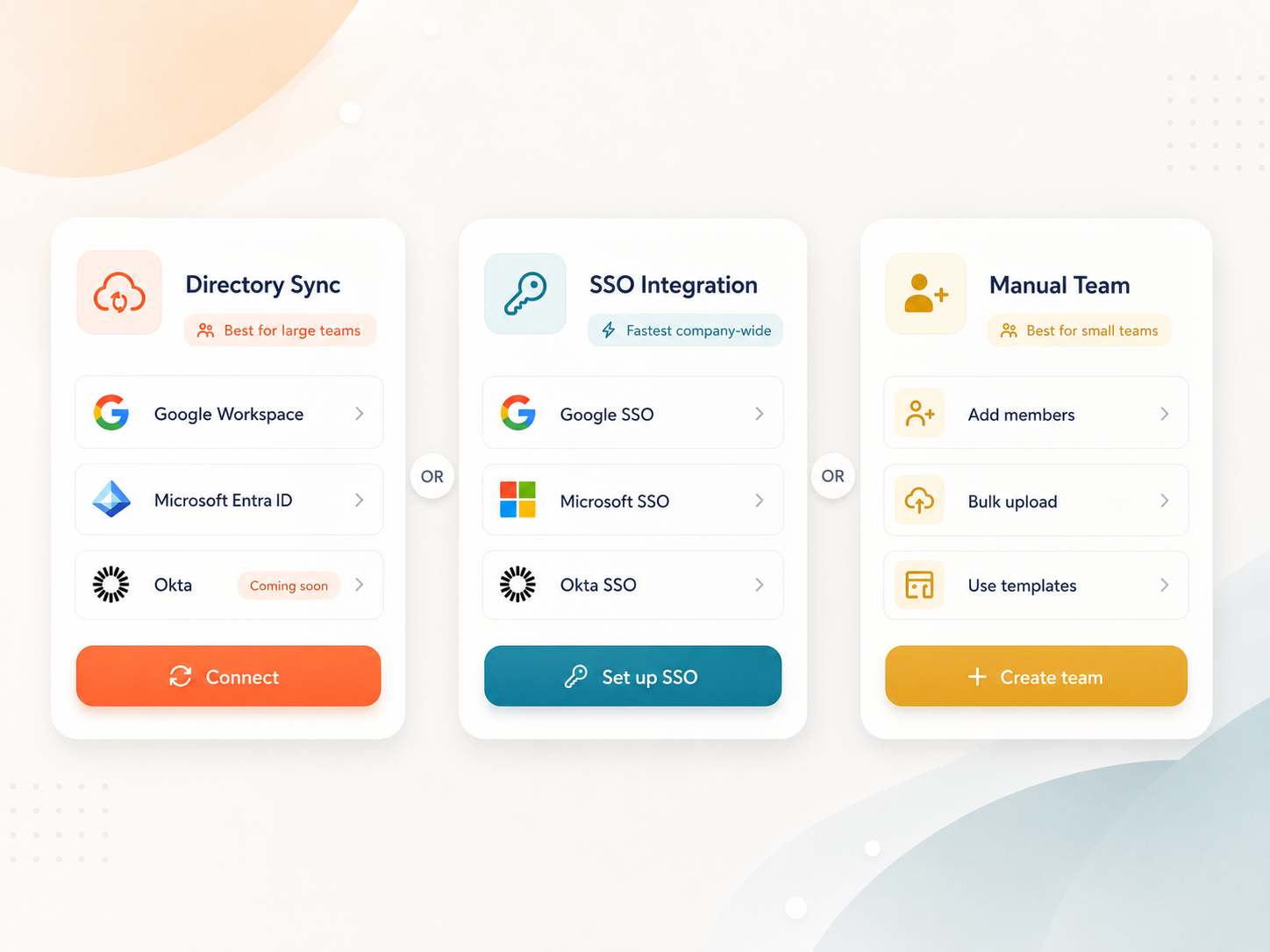
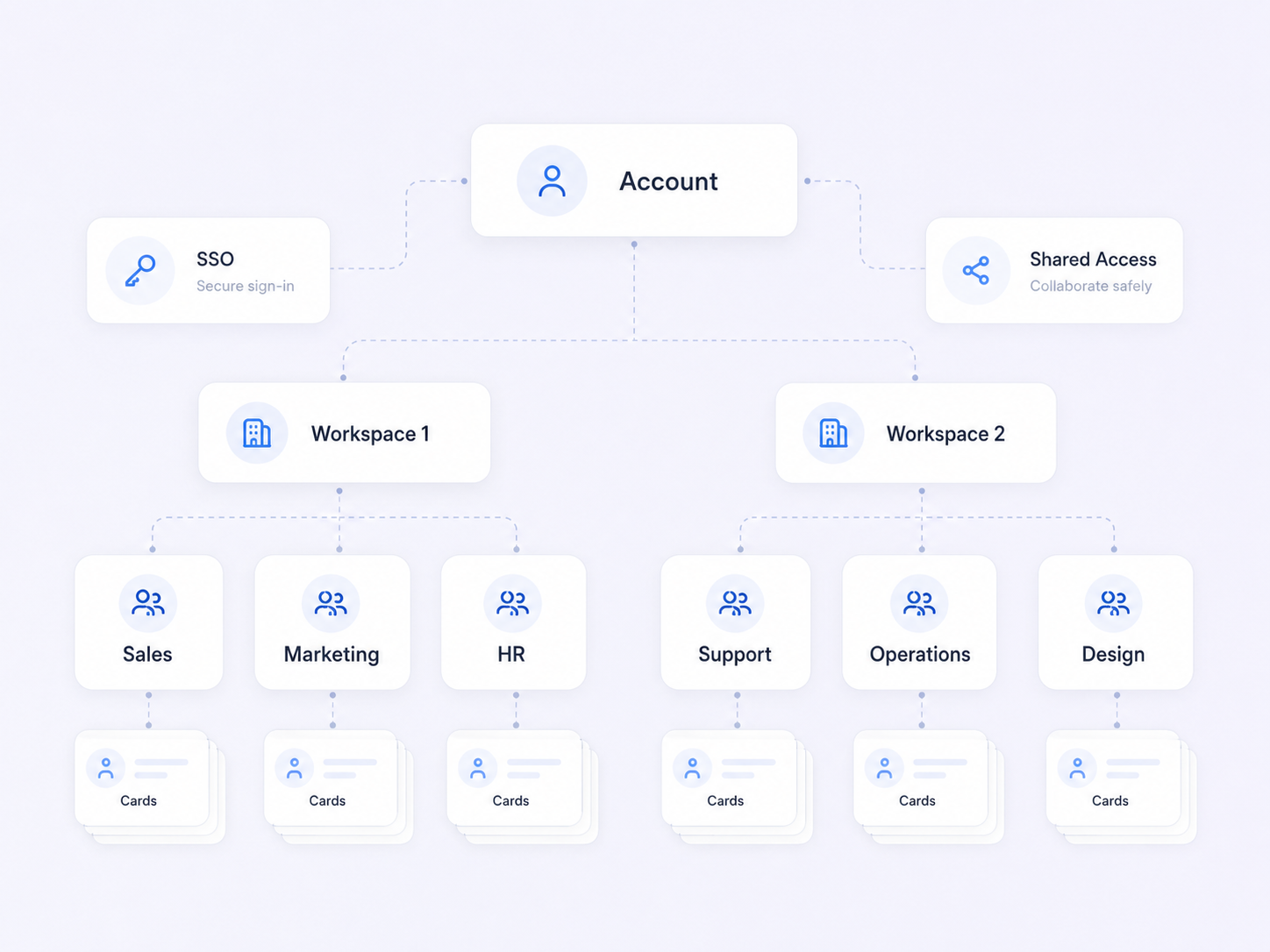
Create at scale with bulk creation, Active Directory, and SSO

Connect card creation and employee access to the systems your organization already uses.

  • Bulk card creation for hundreds or thousands of employees
  • Active Directory synchronization for employee information and account status
  • SSO access through approved company credentials
  • Streamlined employee onboarding and offboarding

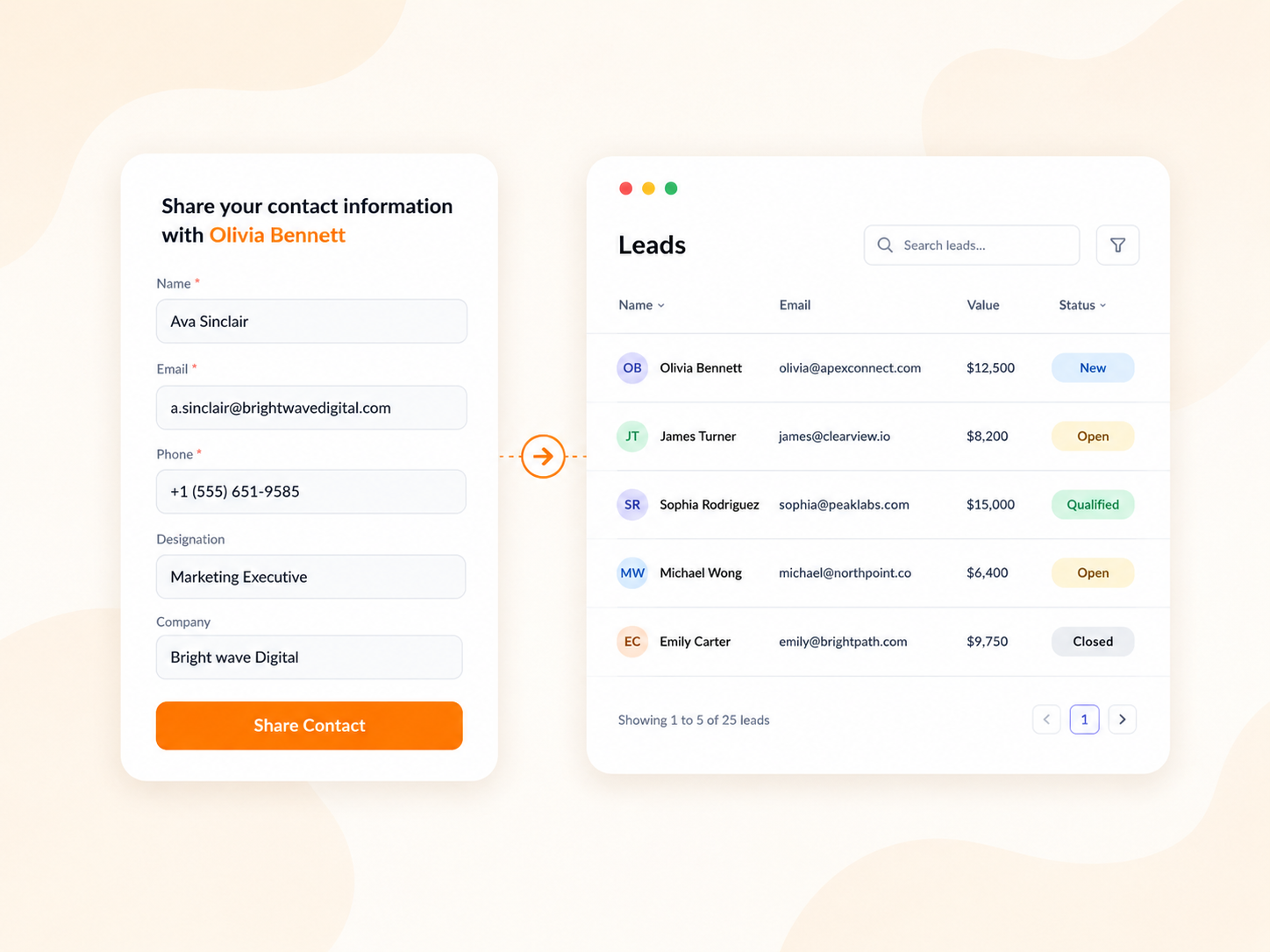
Capture leads and send them to your CRM

Turn conversations across your team into organized lead data that sales and marketing teams can act on.

  • Built-in lead capture forms on every employee business cards
  • Custom qualification fields for sales and marketing teams
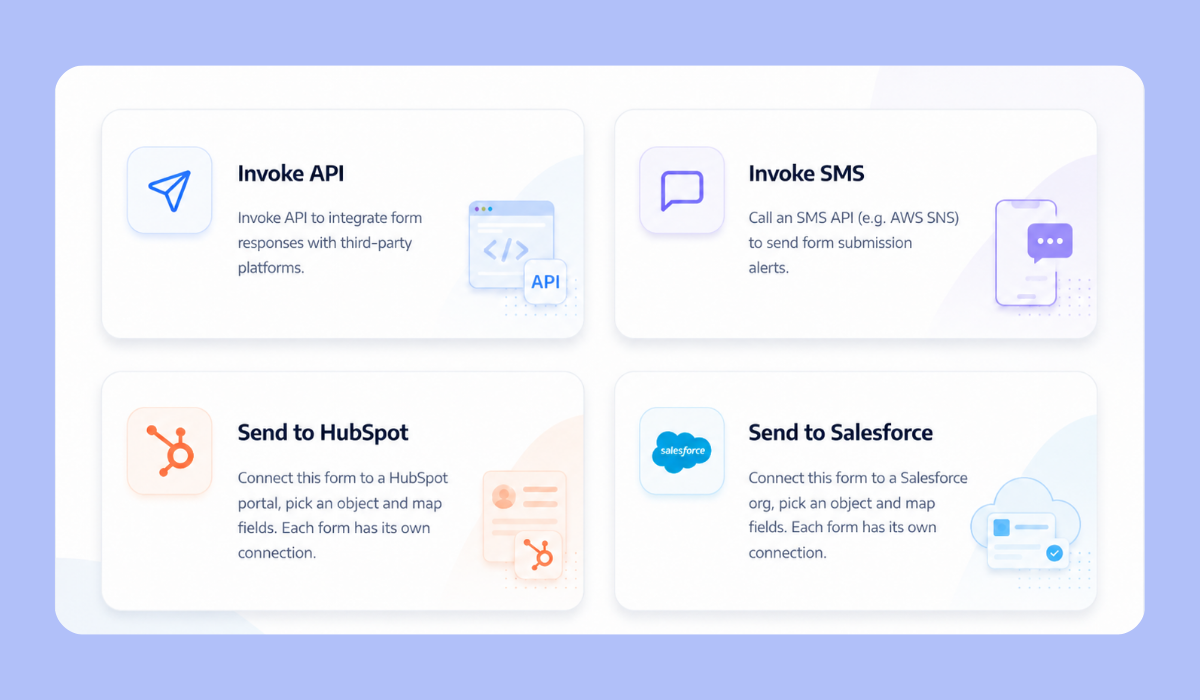
  • CRM synchronization for automated lead transfer
  • Faster lead routing and follow-up

Control roles, access, and permissions

Give every user the access they need without exposing unrelated cards, data, or administrative settings.

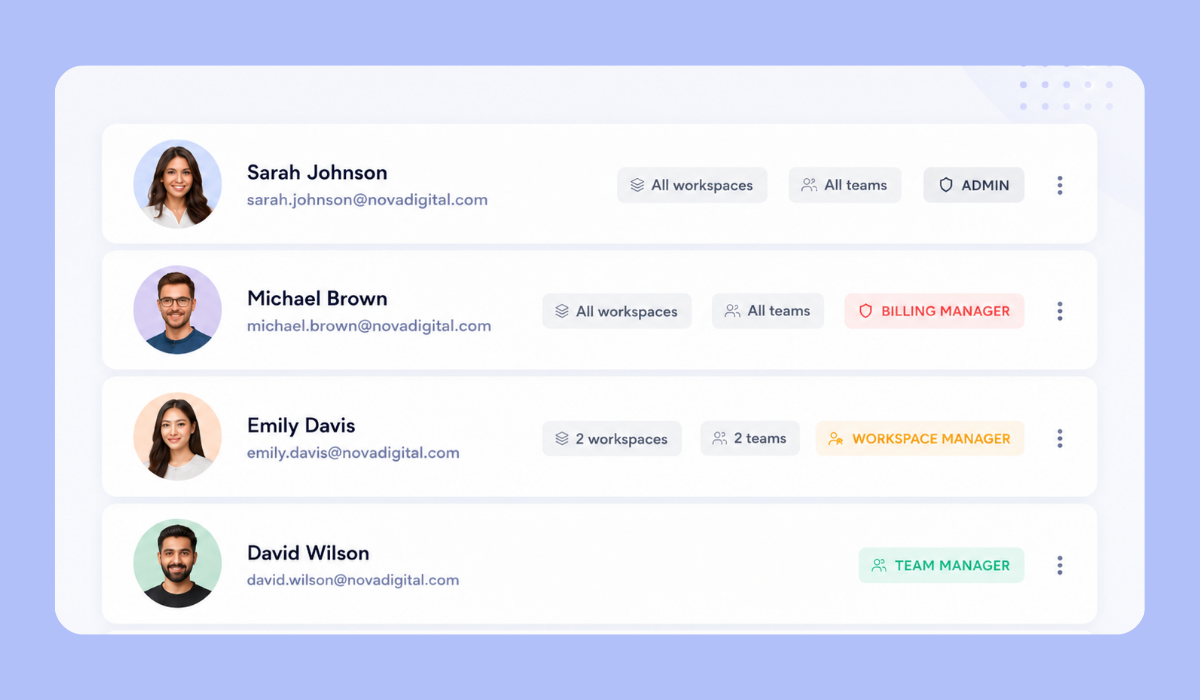
  • Full administrator control over users, templates, integrations, and settings
  • Manager-level access for assigned teams and employees
  • Field-level editing permissions for employees
  • Secure shared access to cards, leads, responses, and analytics

The features that keep your team organized

Manage employee cards, company branding, captured data, and administrative responsibilities without moving between separate accounts or disconnected tools.

Centralized template management

Create, organize, and assign approved card templates across departments, employee roles, locations, and business units.

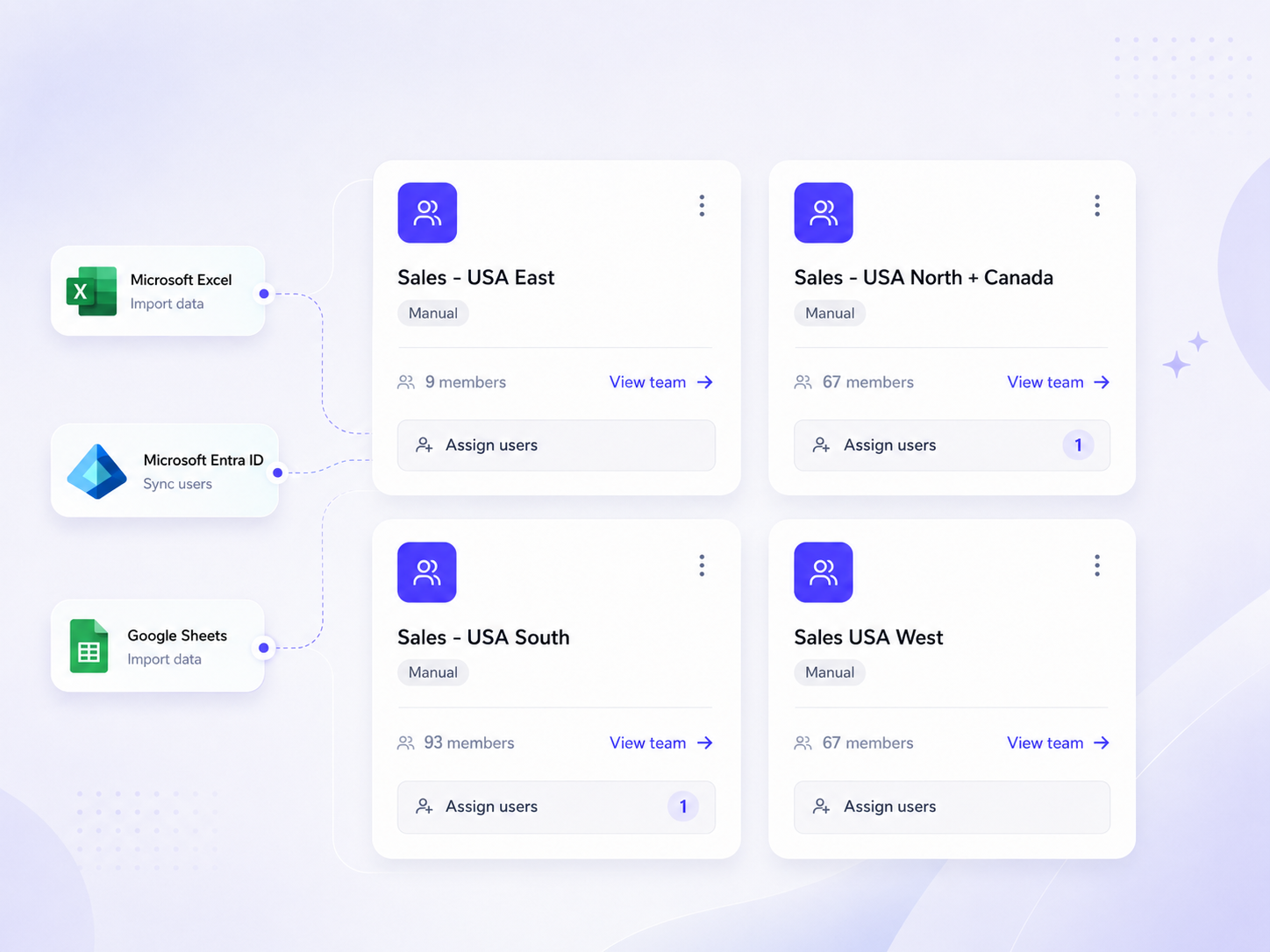
See every card, user, and team activity in one view

Manage employee cards, templates, users, permissions, responses, and engagement without switching between individual accounts.

Team overview dashboard in digital business card pro teams

Bring Every Employee Digital Business Cards Under One System

Give your employees a better way to connect while maintaining control over branding, access, company information, lead data, and ongoing updates.

Frequently asked questions

How can we keep every employee card consistent with our brand?

Administrators can create centralized templates and lock important elements such as logos, colors, fonts, layouts, company links, and required information. Employees can update only the fields approved by the organization.

Can different departments use different card templates?

Yes. You can create and assign separate templates for sales, recruitment, leadership, customer success, regional offices, and other teams while maintaining shared brand standards.

How can we create cards for a large number of employees?

You can create more than 10,000 digital business cards at once by uploading employee data in bulk using a CSV or Excel file. You can also connect Microsoft Entra ID or Google Workspace to automatically create cards and keep employee information synchronized and up to date.

Can company information be updated centrally?

Yes. Administrators can update company details, shared links, templates, and brand elements from the central workspace.

Does Digital Business Card PRO support Active Directory and SSO?

Yes. Digital Business Card PRO supports Azure Active Directory integration and SSO-based access, helping organizations manage employee information and access through the systems they already use.

What happens when an employee leaves the company?

Administrators can disable the employee's card and remove their access, keeping company-issued cards and information under organizational control. When connected to Active Directory, the card can also be automatically removed when the employee's record is updated in the directory.

Can employees edit their own cards?

Yes. Employees can update the fields permitted by their admin or managers. Company-controlled elements such as logos, layouts, branding, required links, and domains can remain locked.

Can leads captured through employee cards be sent to our CRM?

Yes. Leads captured through employee digital business cards can be sent directly to HubSpot or Salesforce through native integrations. You can also connect other CRM systems and workflows using webhooks, Zapier, Make, and similar automation platforms.

Can managers administer cards for their own teams?

Yes. Role-based access allows managers to oversee assigned employees, cards, leads, or analytics without giving them complete workspace administration rights.

How can employees share their digital business cards?

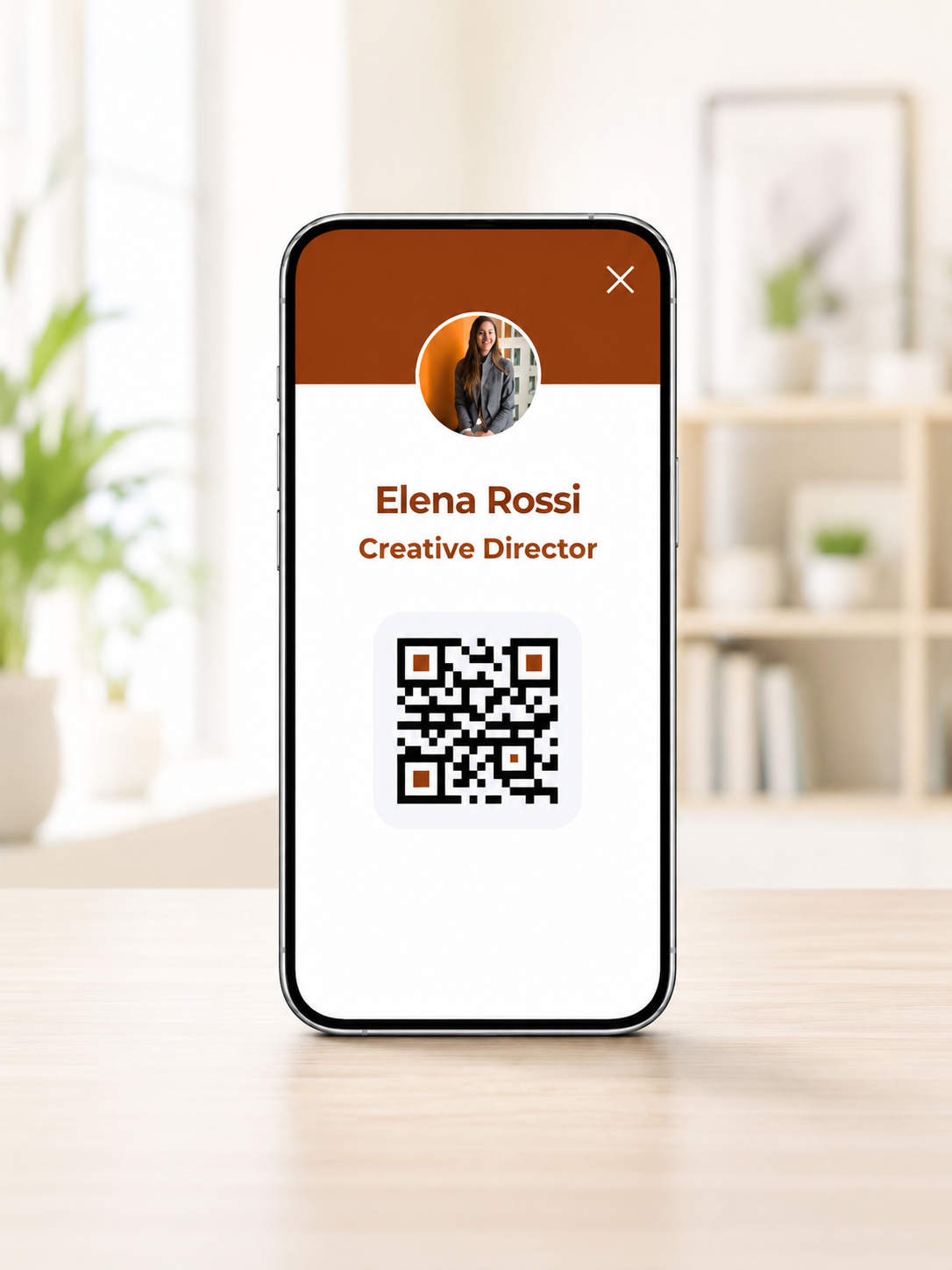
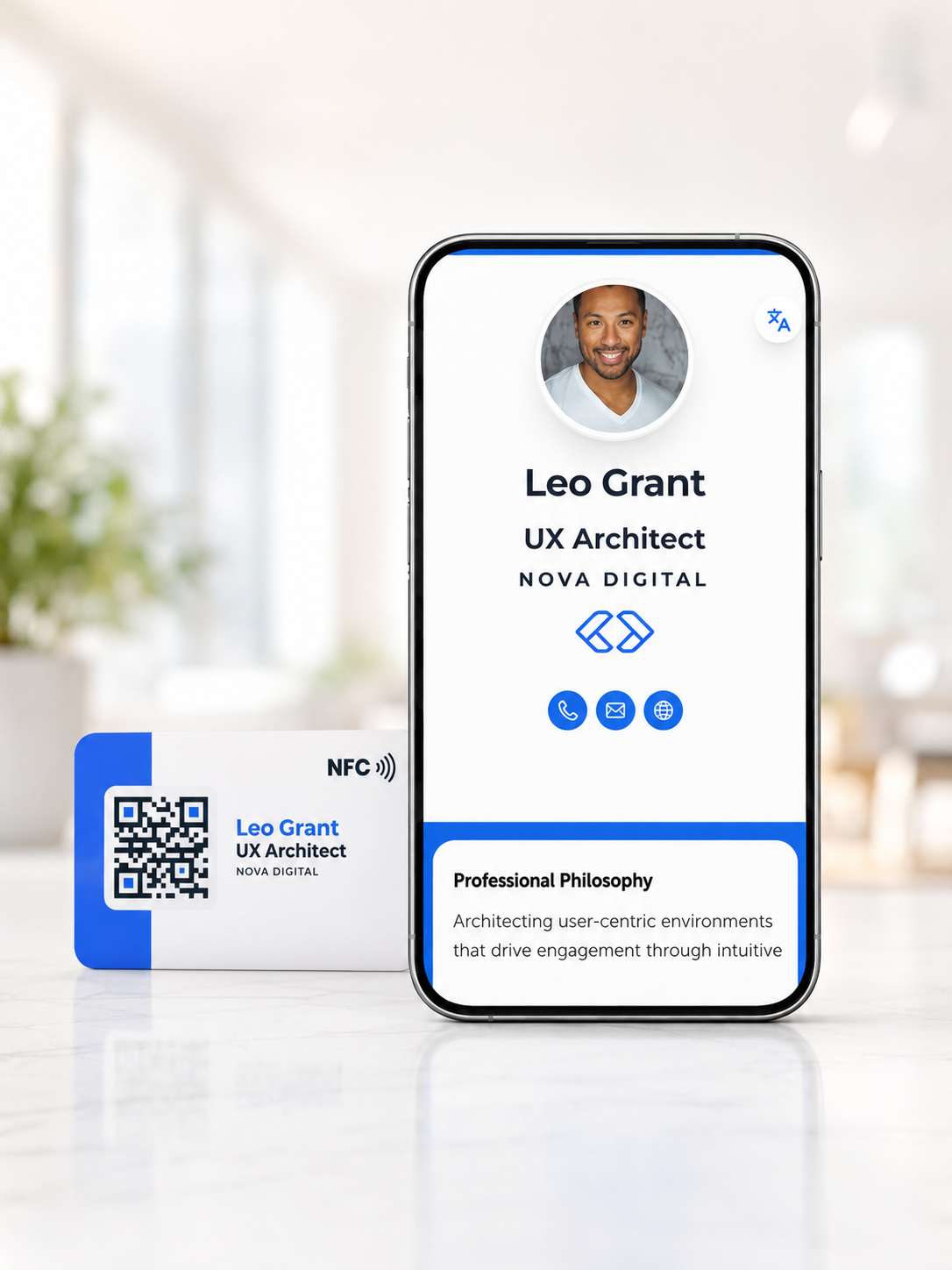
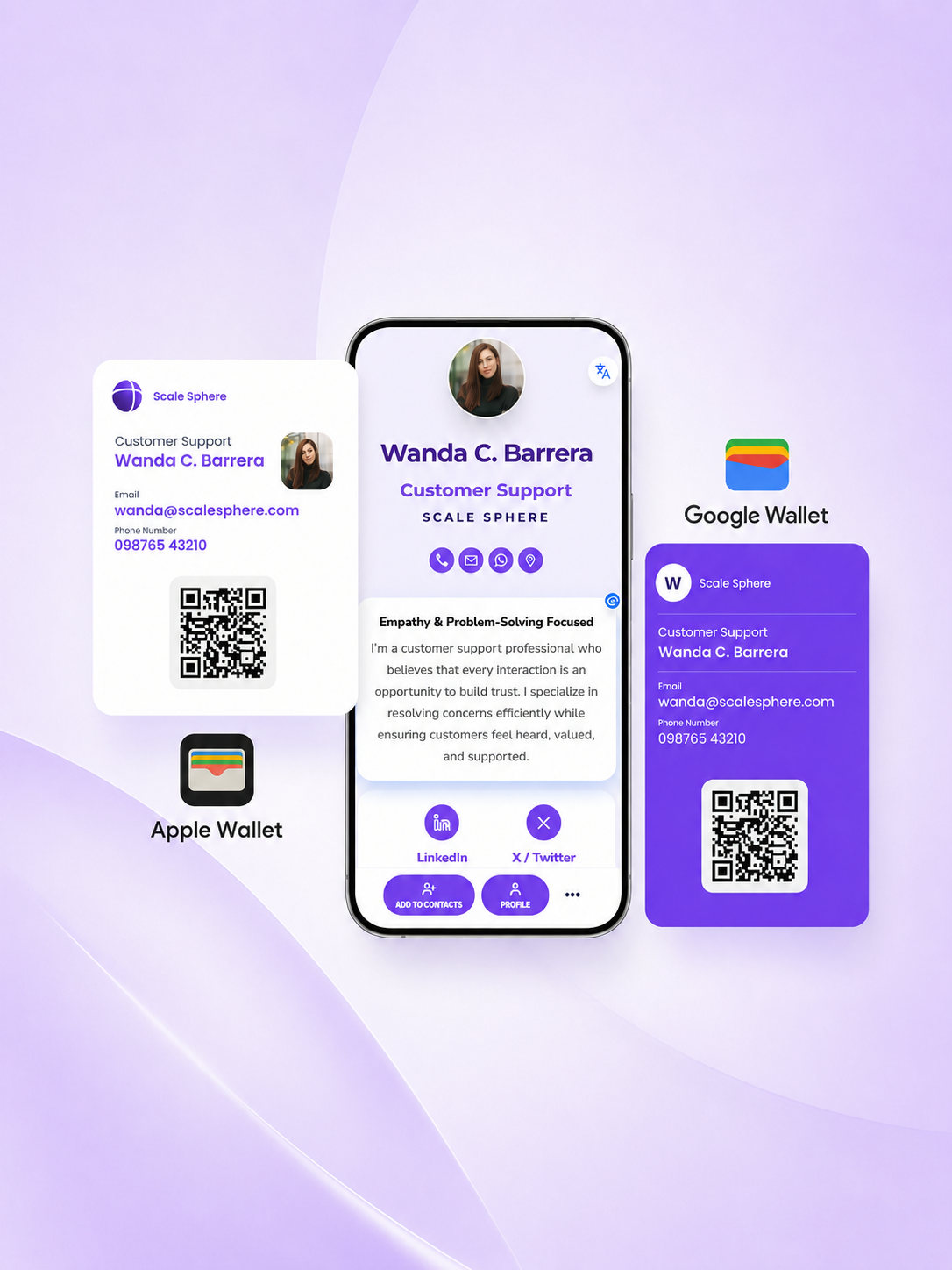
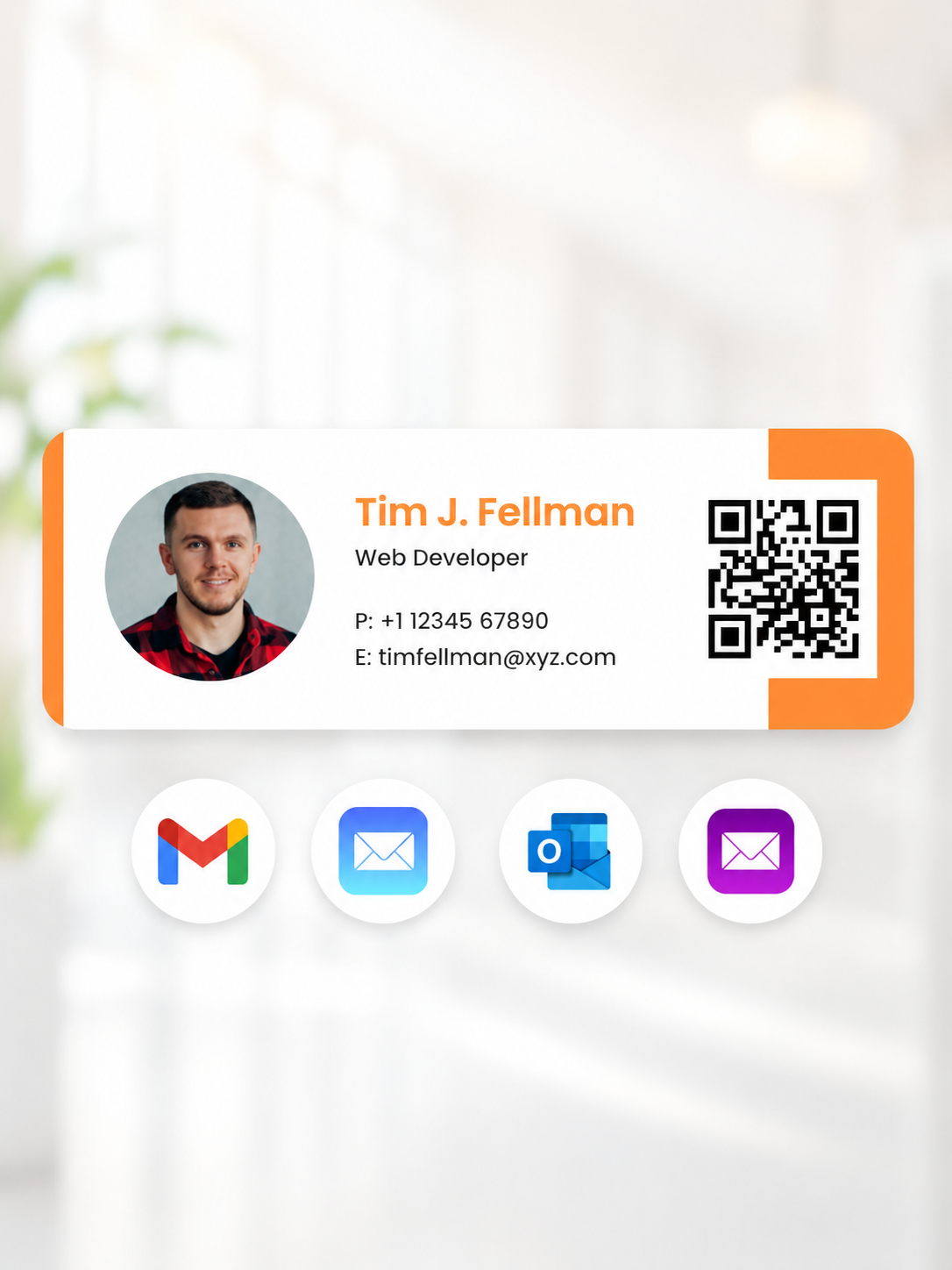
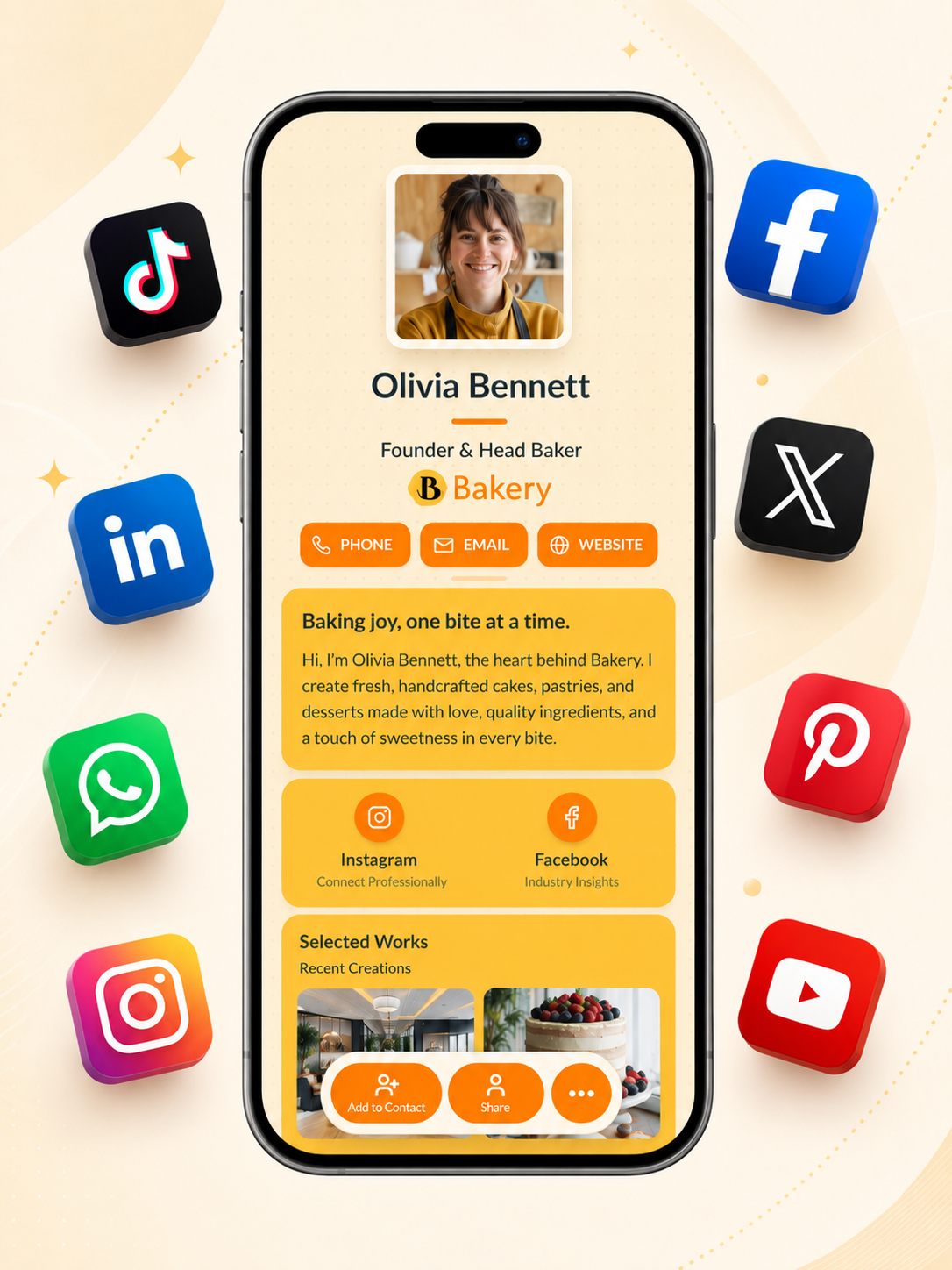
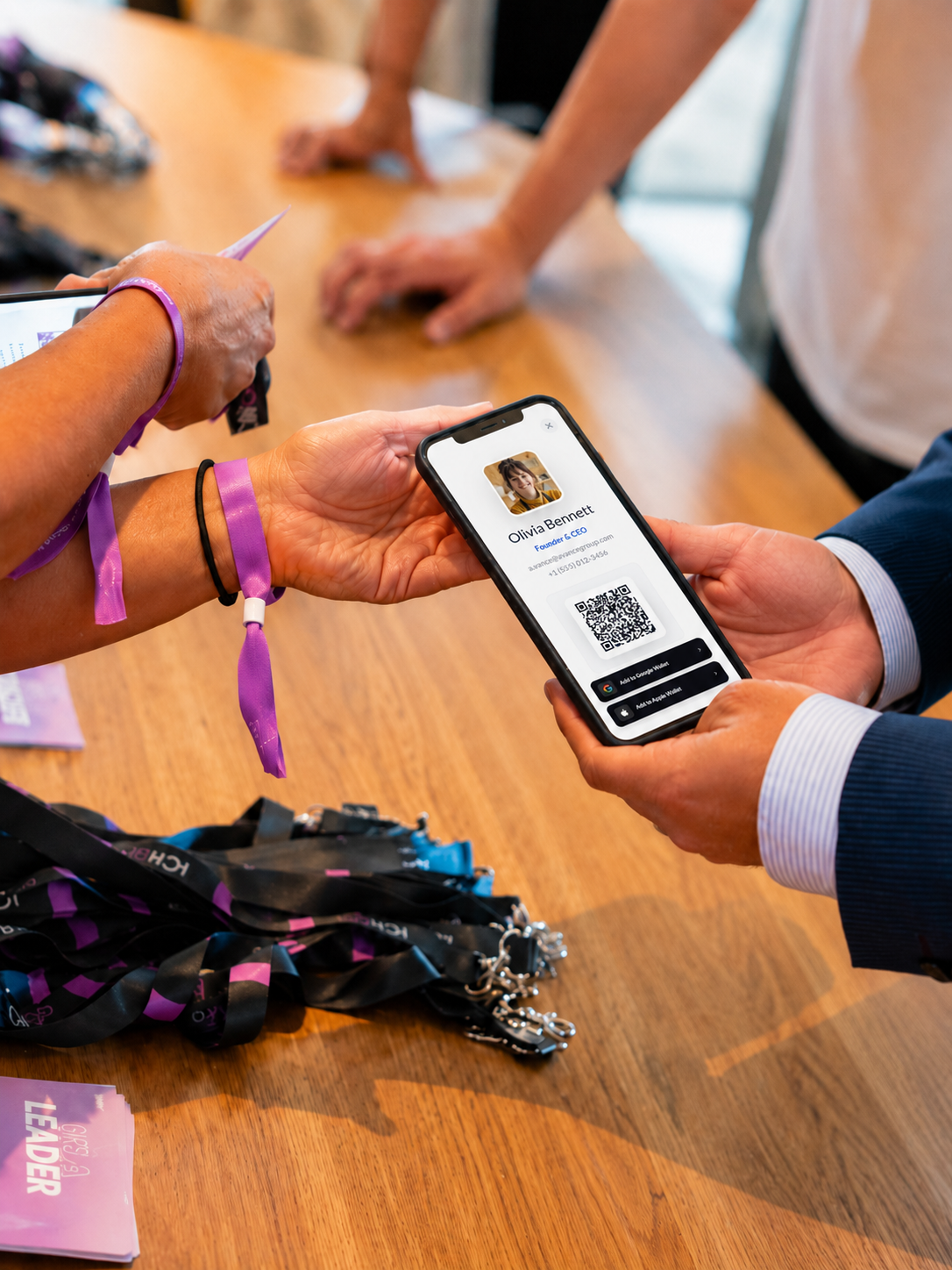
Employees can share their cards through QR codes, NFC products, Apple Wallet, Google Wallet, email signatures, messaging platforms, virtual meetings, presentations, and social profiles.

What team activity can administrators track?

Administrators can review data such as card views, scans, link engagement, form submissions, lead responses, and performance across individual employees or teams.

Can we use our own company domain?

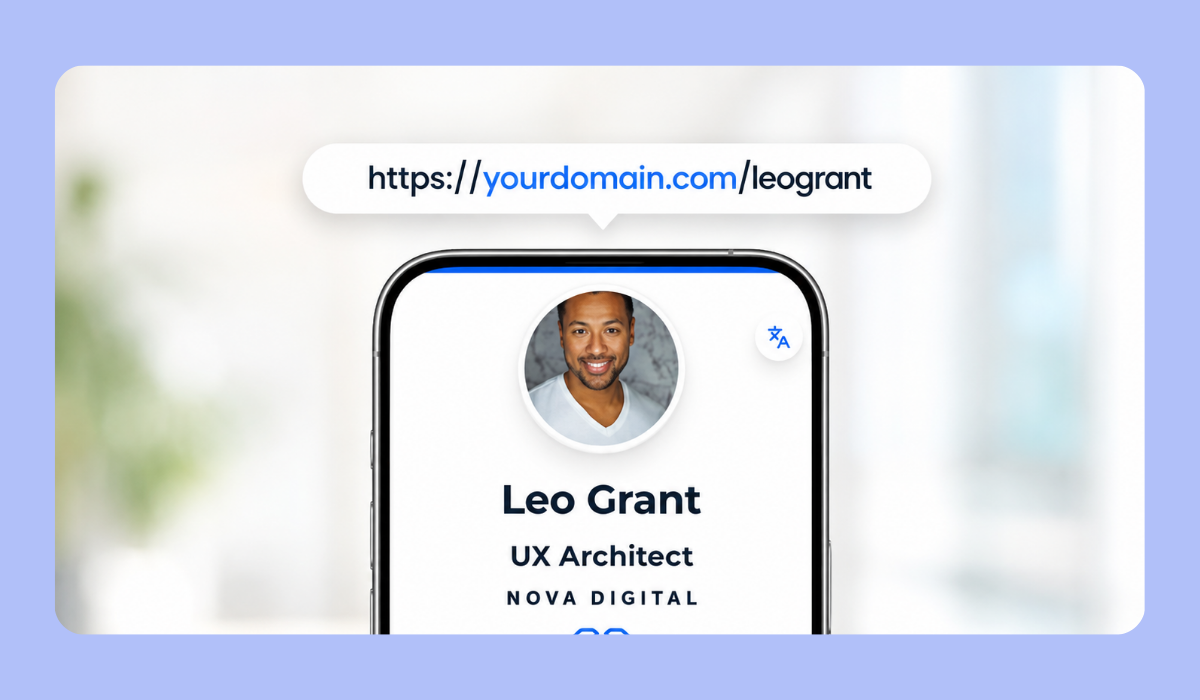
Yes. White-label (custom-domain) options allow organizations to provide employees and card recipients with a consistent, company-branded experience.